

Skip to content
QuillWeaver

Turn a spreadsheet into print-ready PDFs.

Start with a layout template or your existing InDesign file, connect a CSV or database, and generate donor reports, receipts, and client statements on your own computer. Every page is checked for cut-off text before export.

Step 1/4 · Import
Batch:Annual Donor Reports20 records

QuillWeaver

Checking every page before export

PDFChartsVerified

Document steps

20%
  • Read spreadsheetVerified
  • Build charts & tablesChecking
  • Check page fitQueued
  • Render PDFsQueued
  • Verify receiptsQueued

Layout fit check

Checked all 20 donors · 0 clipped pages

MarginsTablesCharts
Batch summary

Email delivery

Personalized PDF attached per recipient

Reading donors.csv...20 donors, 63 fund rows

Built for recurring documents that cannot go out broken

Visual layout studio

Design the page, not the spreadsheet.

Lay out pages directly on screen

Open a starter template or drop in your agency's InDesign file. Move text frames, tables, and charts where you want them on your desktop, and see real rows from your data as you work.

  • No CSS, no HTML templates, and no fragile Word mail-merge field codes.
  • Imports InDesign (.idml) files with a pre-import report showing what transfers directly.
QuillWeaver visual document layout studio showing a multi-page report

Built for real batches

Exact pages, no late-night proofreading.

0

Silent overflows. Every record is checked before export.

Seconds

To turn a 100-row spreadsheet into individual PDFs.

Local

Runs on your machine so donor and client lists stay private.

Repeatable

Re-render any statement years later and get the same PDF.

How it works

From spreadsheet to finished stack.

  1. 01

    Pick a layout or import yours

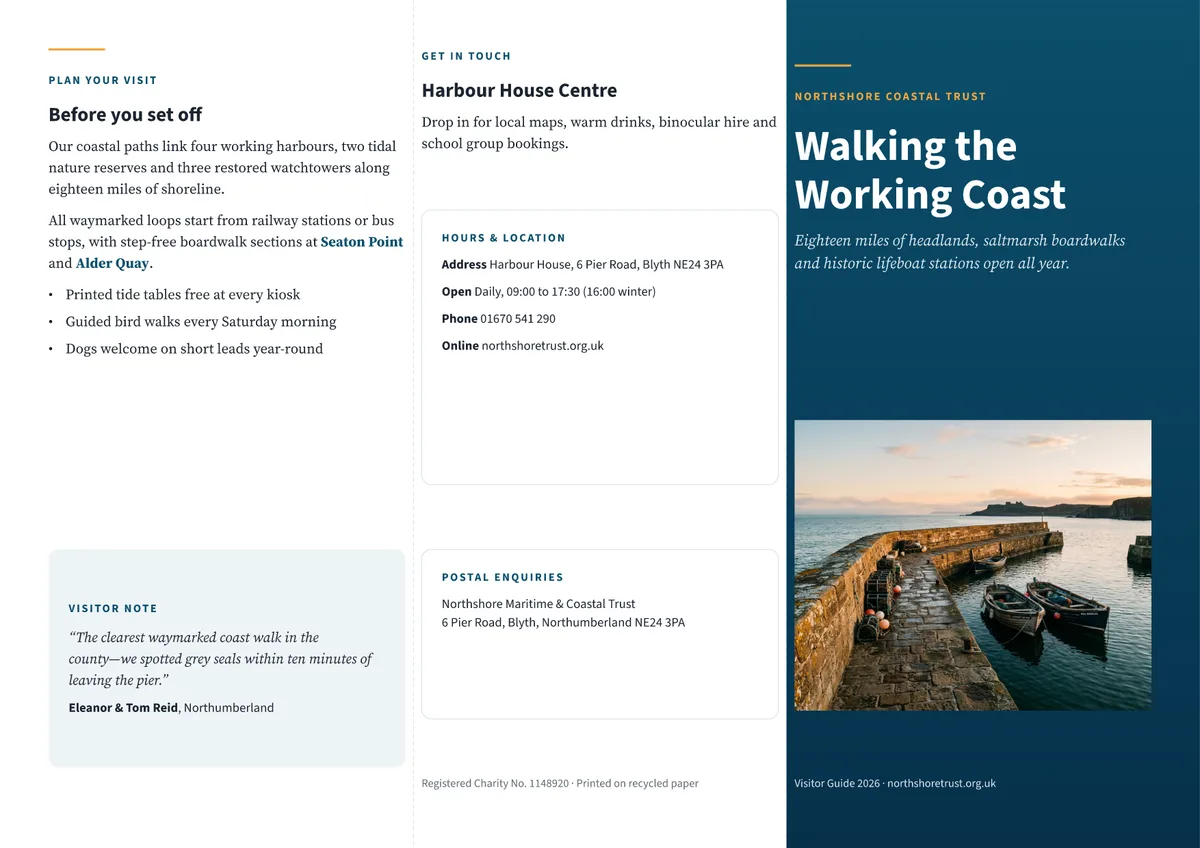
    Start from a template, bring in an InDesign file, or ask Claude to draft a layout.

  2. 02

    Check every page first

    QuillWeaver tests every row in your data and points out tight lines or missing fields before you send.

  3. 03

    Export or email per recipient

    Each recipient gets their own PDF, and you keep a verification manifest for the entire run.

01 · Multi-row data

Tables, charts, and conditional notes that fit the data.

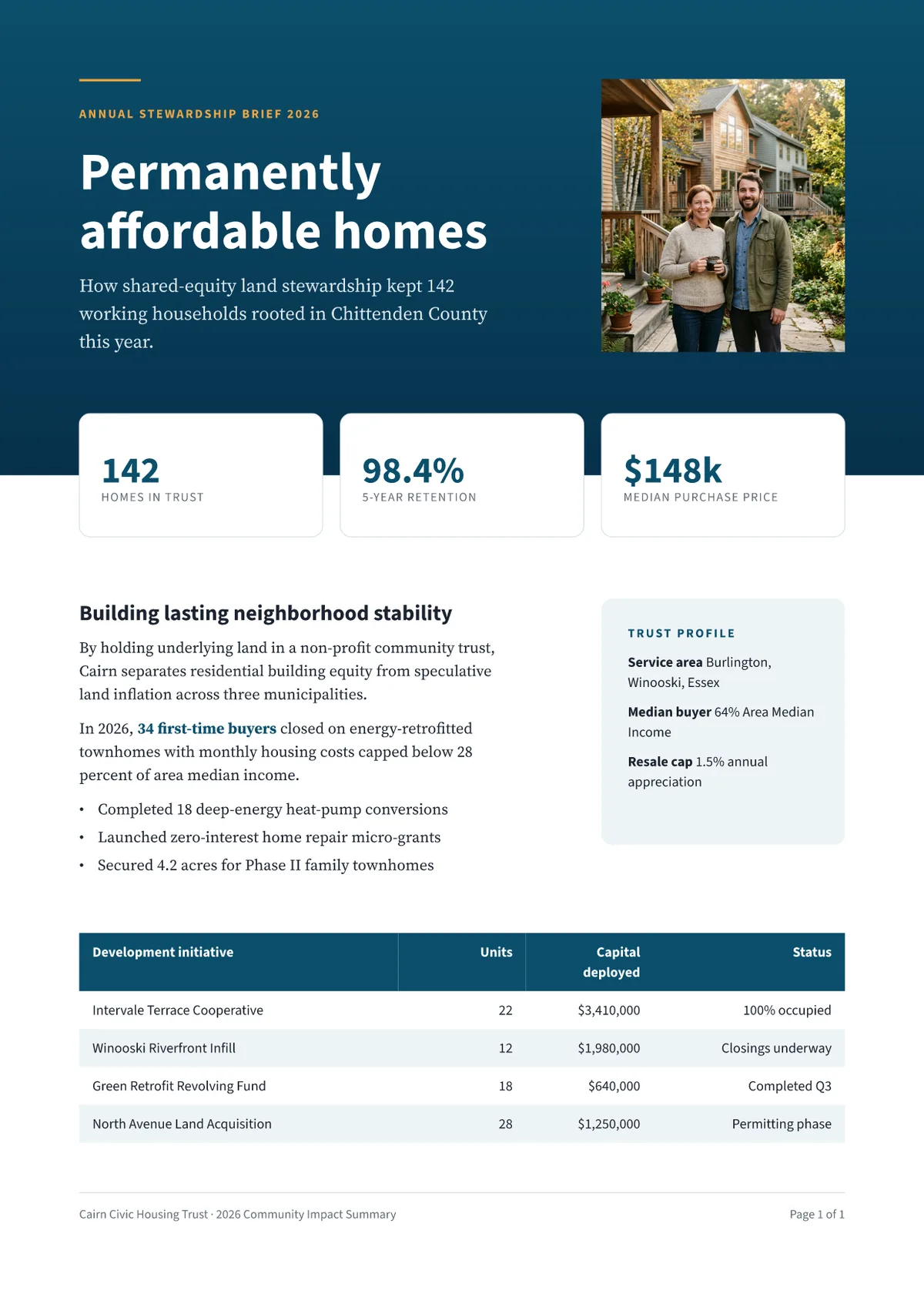
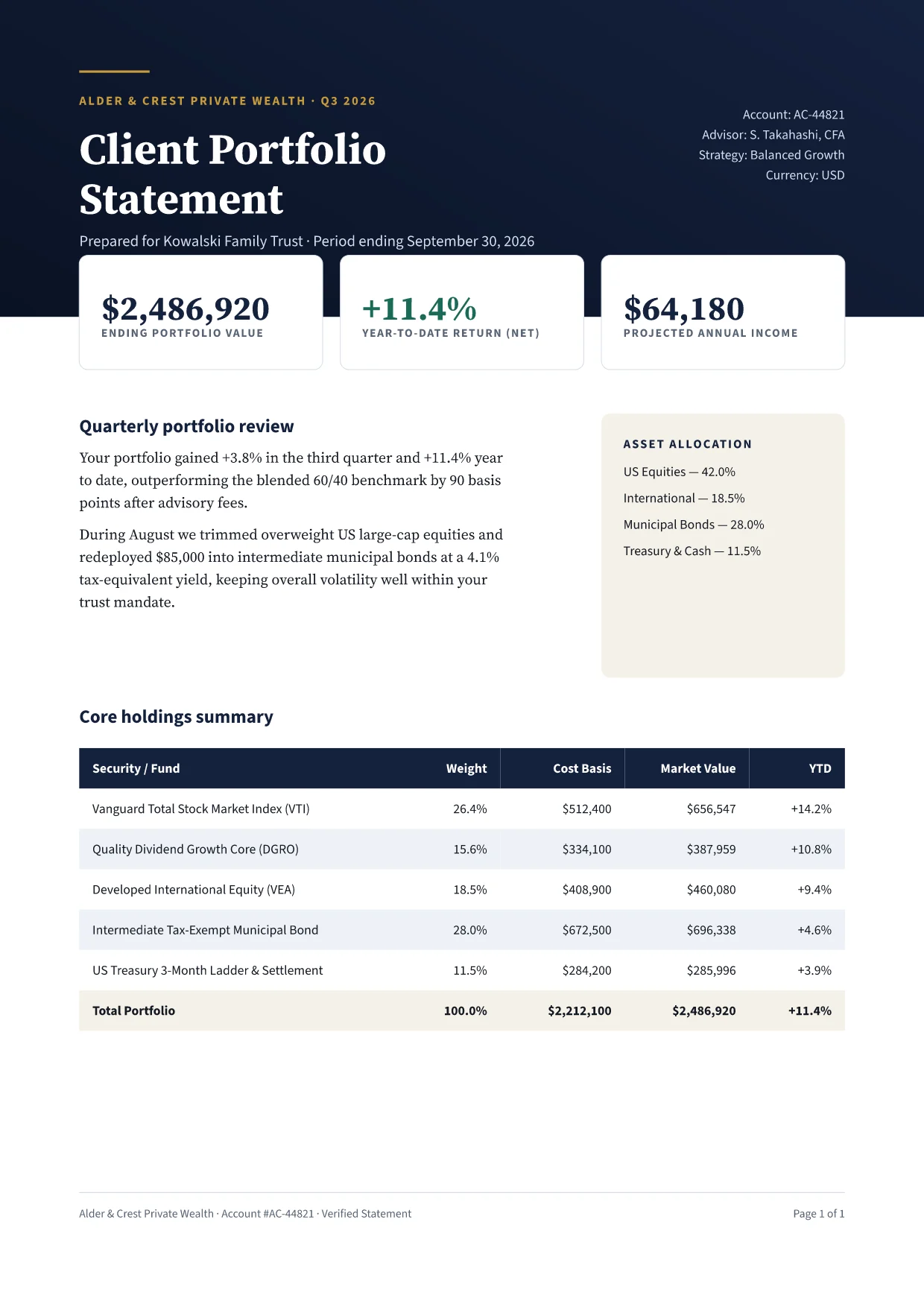
Word mail merge falls apart the moment one customer has two rows and another has eight. QuillWeaver adds pages automatically, repeats table headers across page breaks, draws per-recipient charts, and hides sections that do not apply.

Endowment Report Sample

  • 01D004 · Anonymous donor (1 fund, no gifts)3 pages
  • 02D007 · Multi-fund family foundation (2 funds)3 pages
  • 03D009 · Missing email caught at checkIsolated
  • 04D012 · Planned giving (8 funds + chart)5 pages

Layout rules

Endowment Sample

Exact baseline gridNo clipped lines

02 · InDesign import

Keep the layout your agency already built.

Already paid a designer for an InDesign template? Drop the .idml file into QuillWeaver. Before converting anything, it reports what imports directly, flags missing fonts instead of silently swapping in Arial, and turns Data Merge placeholders into live spreadsheet fields.

01Page frames & styles92
02Fonts verified100
03Merge fields converted18
04Silent font swaps0

Pre-import check · renewal-packet.idml

"Ready to import. 18 Data Merge fields converted to live spreadsheet bindings."

View reportImported

03 · Local and repeatable

Runs on your desktop, cached down to the row.

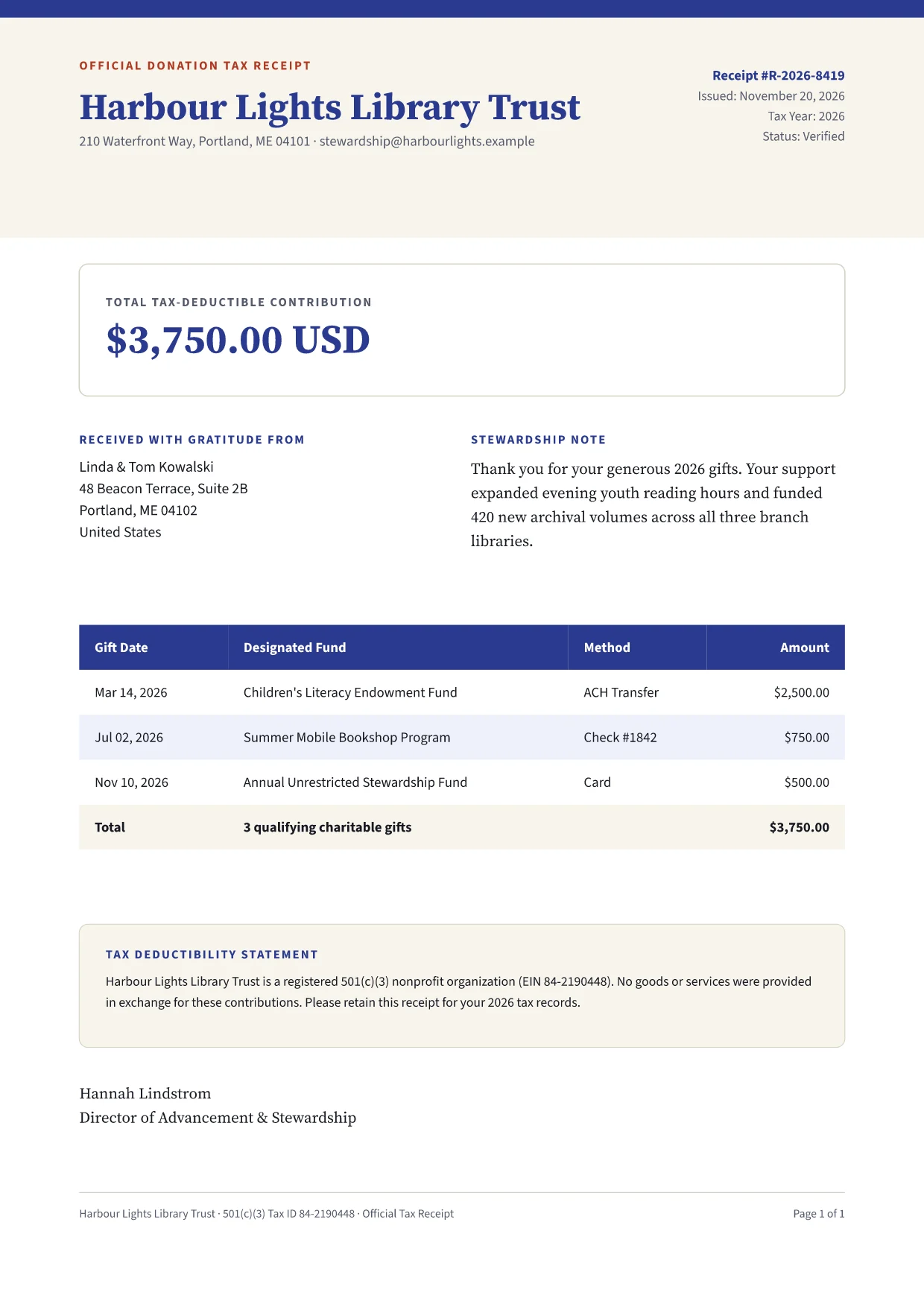
Donor lists, tax receipts, and client statements should not have to pass through a third-party cloud service. QuillWeaver runs on your computer, reuses unchanged PDFs when you fix a single typo, and writes a verification receipt beside every file.

Re-run after 1 fixInstant cache
  • 19×Unchanged donors reused from cache0s
  • 1×Updated Donor D007 re-renderedVerified

Audit manifest

20

Records

0

Overflows

100%

Local

Test it on one of your
own files.

Send us an anonymized sample spreadsheet or an old InDesign file and we will run it through QuillWeaver and send back the PDFs and fit report.

Fits your existing files

Connect your data, export anywhere.

  • CSV & JSON

    Export from any CRM or database

  • SQL & REST

    Pull live figures directly

  • InDesign IDML

    Import existing agency layouts

  • Your Mailbox

    Send via Gmail, Outlook, or SMTP

  • Vector Charts

    SVG charts per recipient

  • Print PDF

    Auditable PDFs with manifests

  • HTML & Word

    Email-safe HTML and DOCX output

  • Claude & MCP

    Let your AI assistant draft layouts

FAQ

Common questions before you try it.

Ask a question

No. QuillWeaver Designer is a desktop layout app where you open a template, move frames on the page, preview real records from your spreadsheet, and export PDFs without writing code.